Organization Management
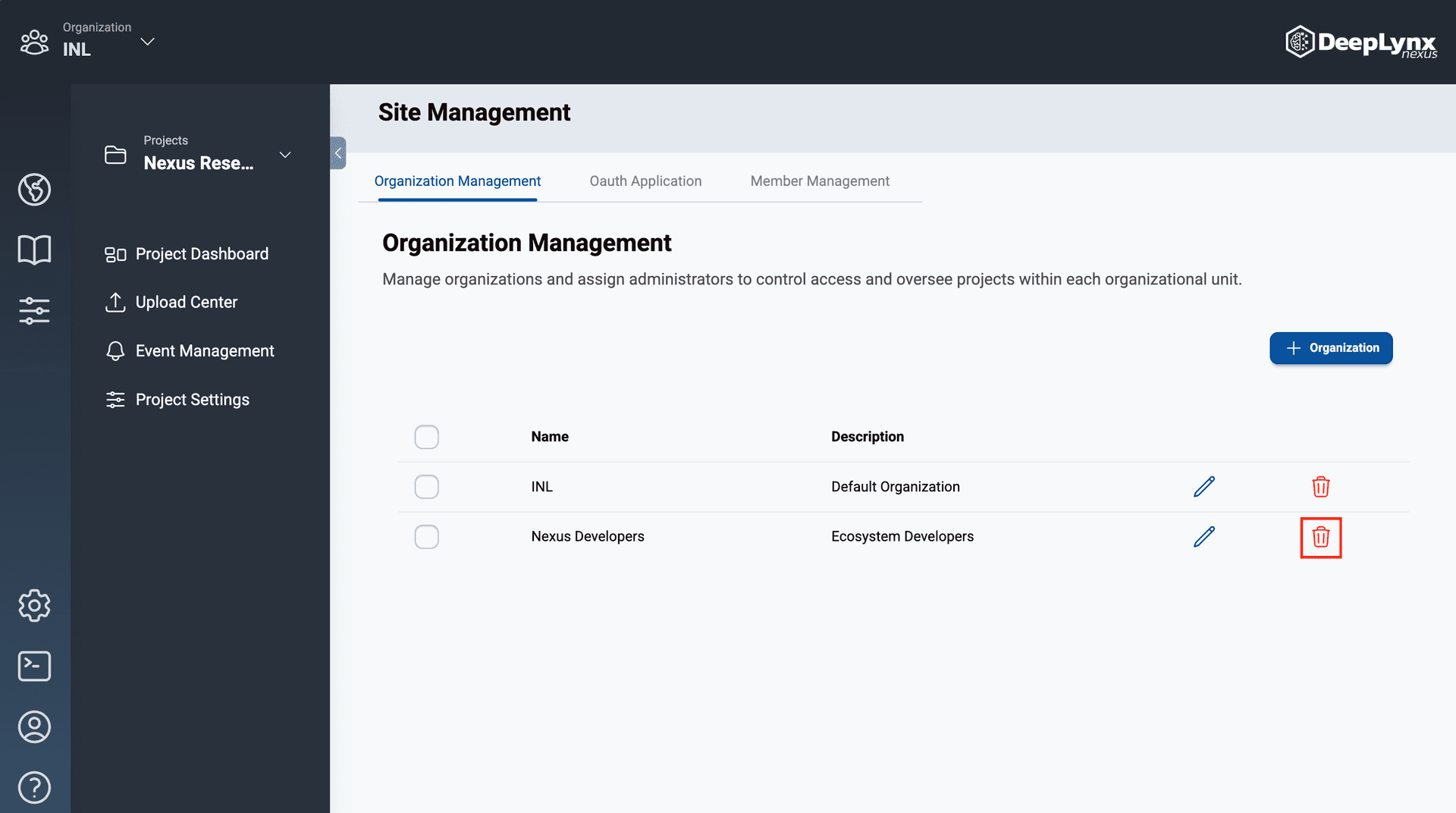
The Organizations tab of the Site Management page has a table containing all active organizations within Nexus. Site admins can create, edit, and delete organizations.
Creating Organizations
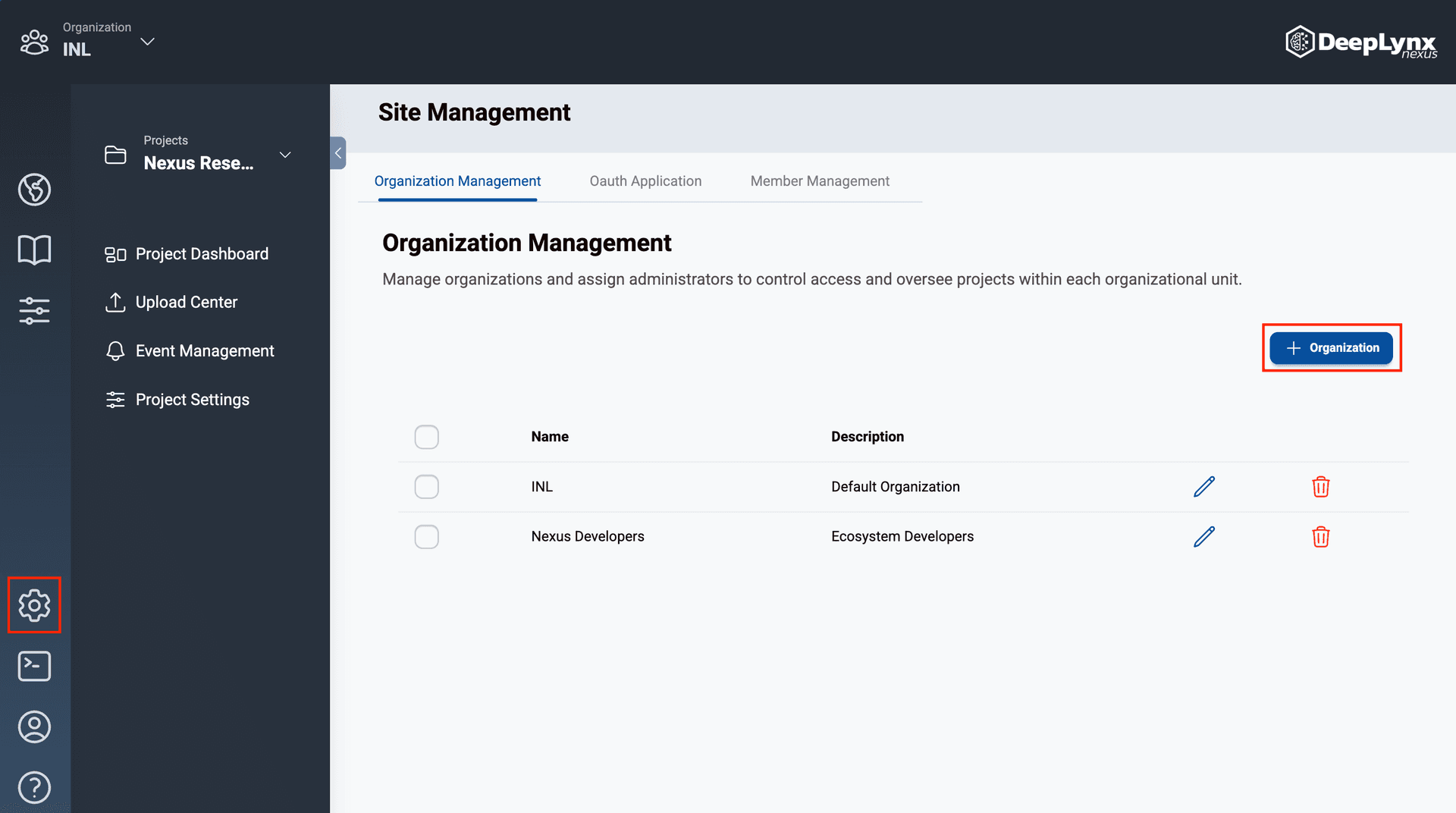
Navigate to the Site Management page by clicking the cog icon on the outermost toolbar.
On the Organization Management tab of the Site Management page, click the “Organization” button.
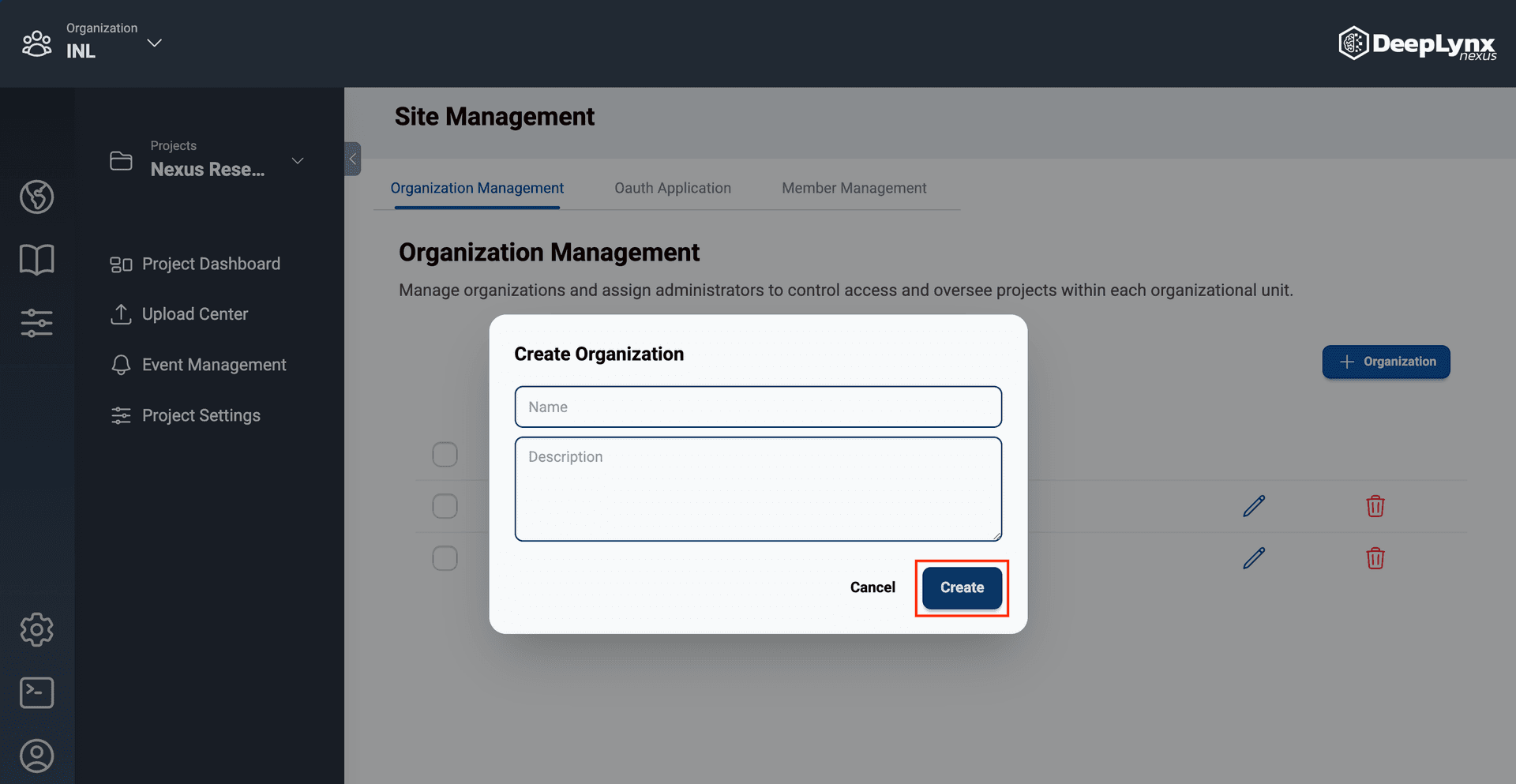
Enter the organization’s name and description then click “Create”.
The organization will be added to Nexus and displayed in the Organization Management table.
Editing Organizations
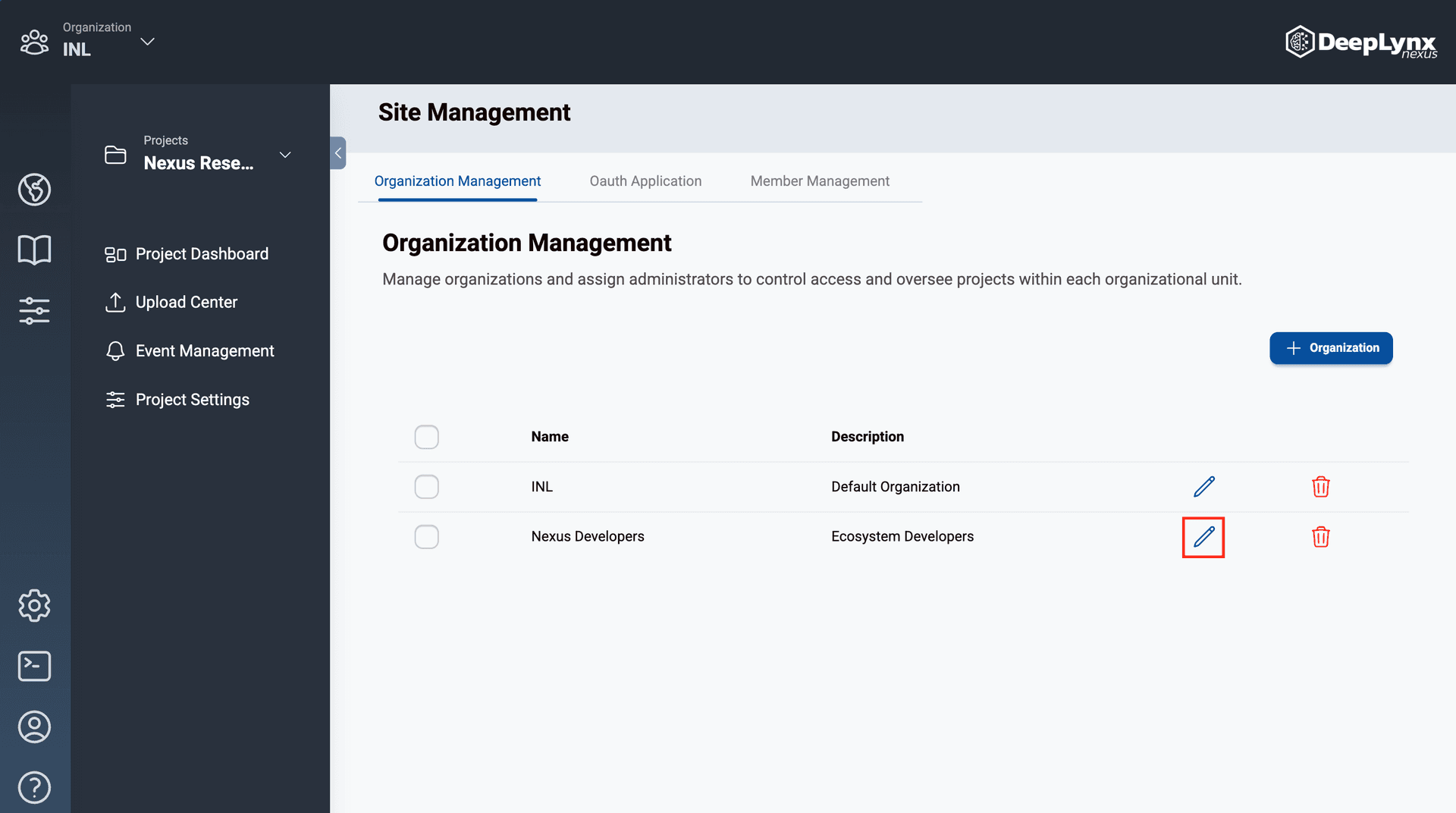
Click the pencil icon in the action column of the organization management table.
Update the organization’s information in the Edit Organization modal and hit “Save”.