User Management
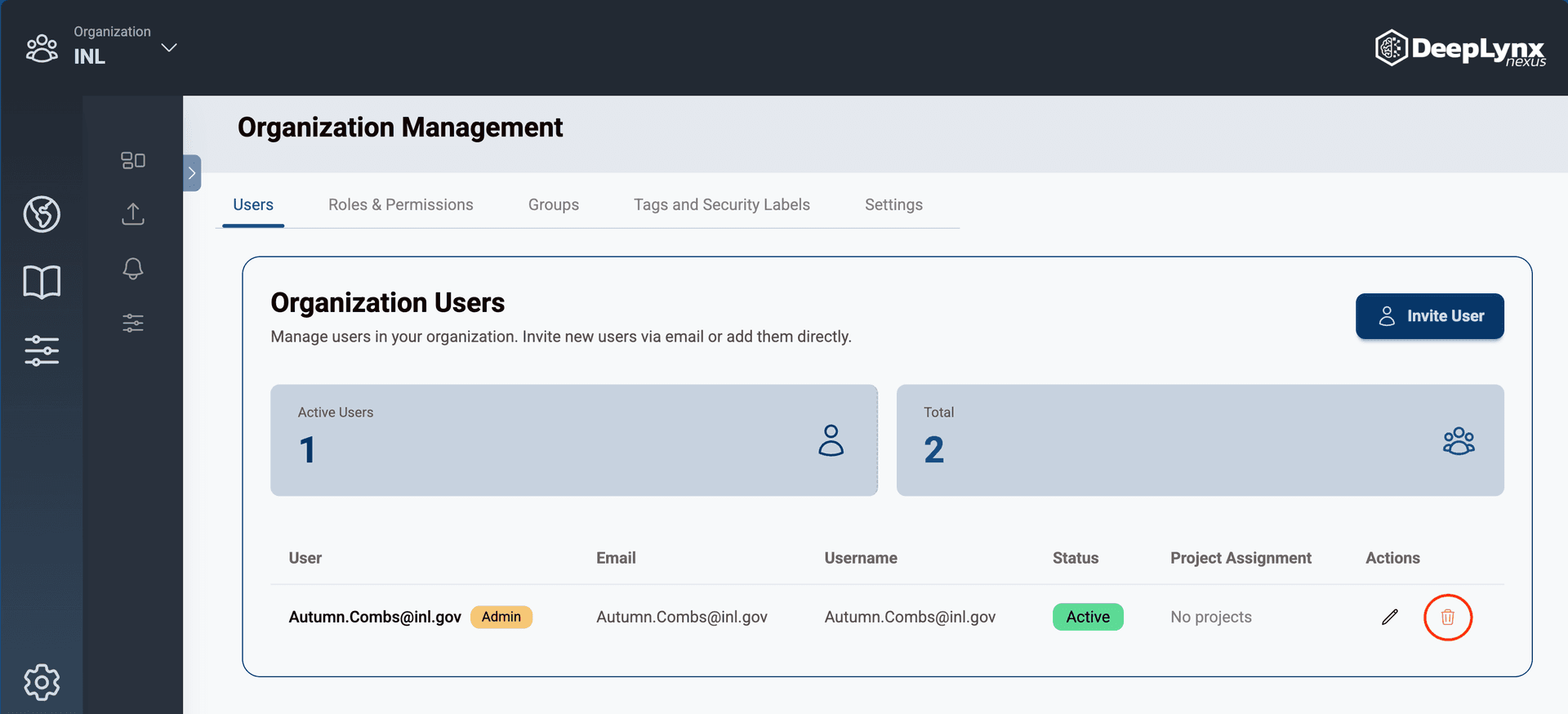
The Users tab of the Organization Management page has a table containing all active and pending users. Organization admins have the ability to add, edit, and remove users from organizations.
Adding Users to Organizations
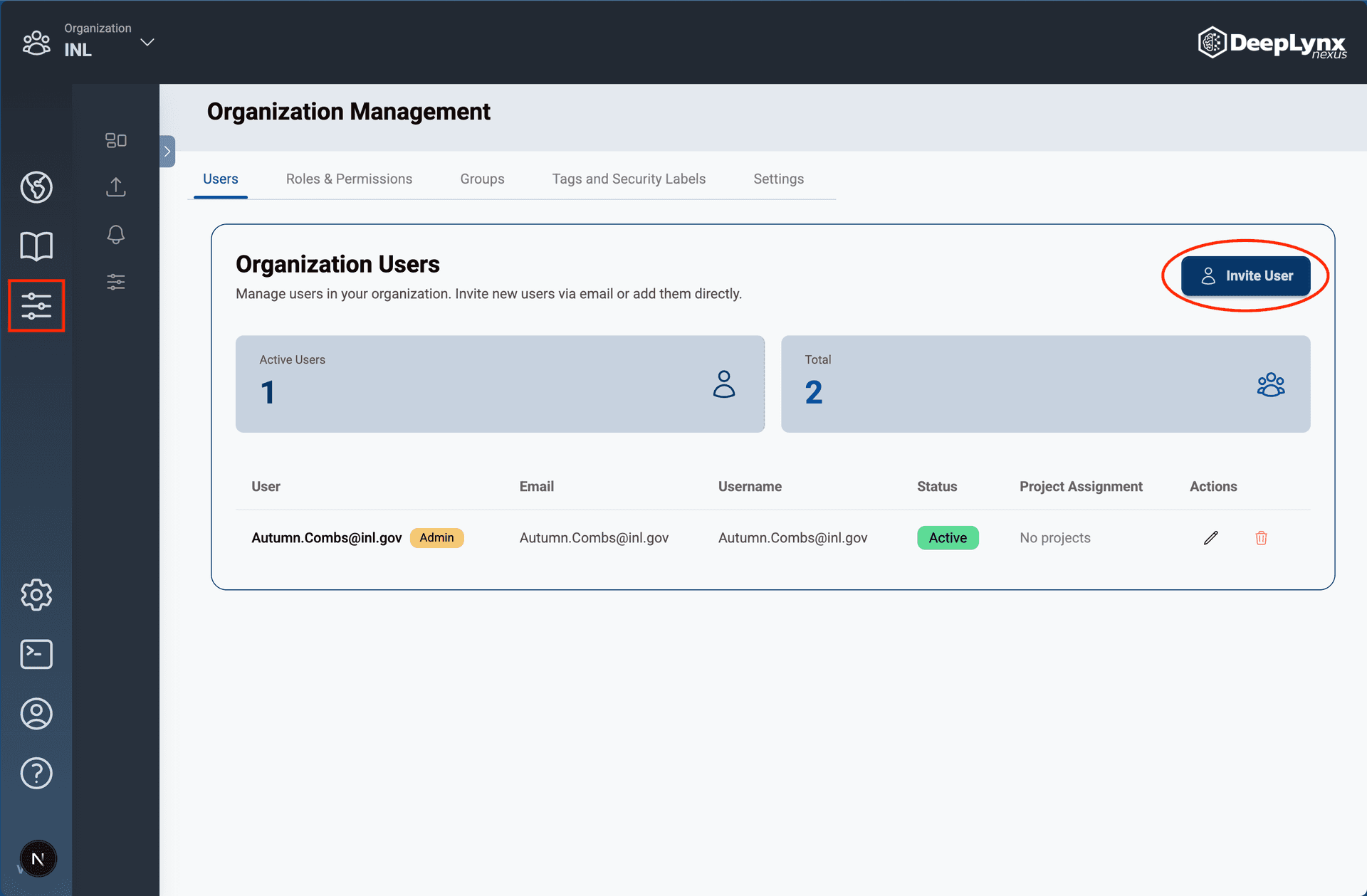
Navigate to the Organization Management page by clicking the slider bar icon on the outermost toolbar.
On the Users tab of the Organization Management page, click the “Invite User” button.
Enter the user’s email address and hit “Send Invitation”.
The user will receive an email containing a link to join the organization!
Note: Once a user accepts an email invitation their status will be switched to “Active”.
Editing Users in Organizations
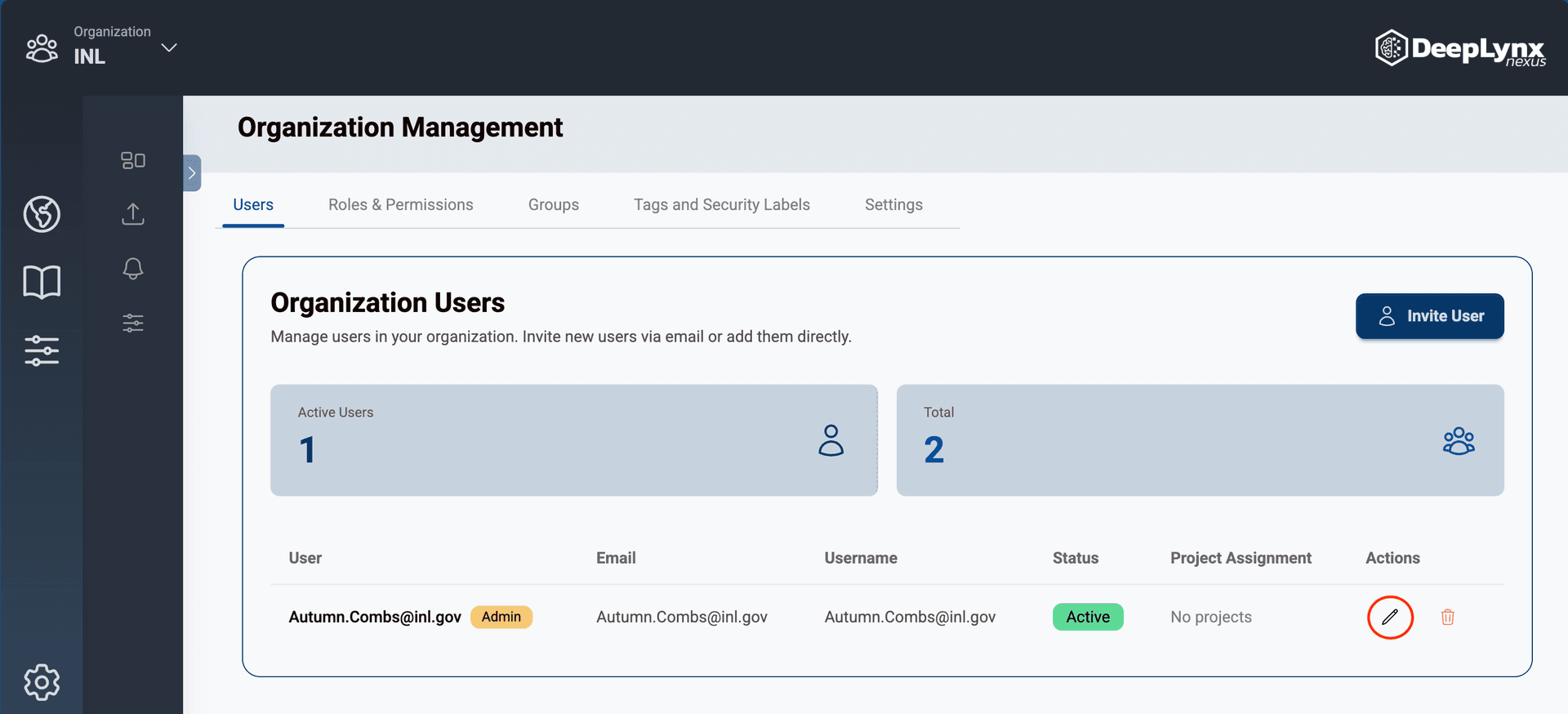
Click the pencil icon in the action column of the user management table.
Update the user’s information in the Edit User modal and hit save.