Oauth Applications
Site admins can register and manage OAuth 2.0 applications for secure third-party integrations.
Adding OAuth Applications
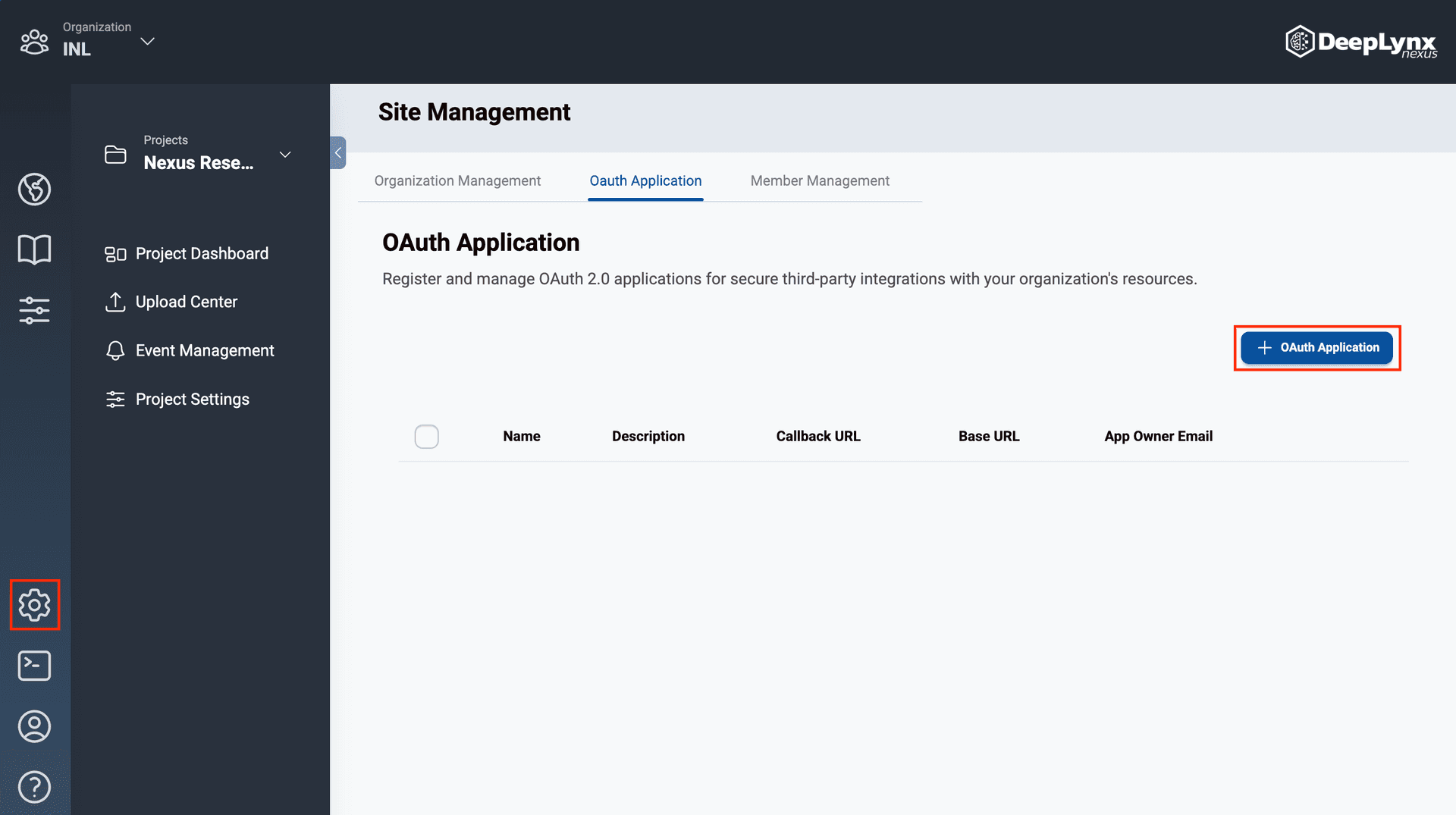
Navigate to the Site Management page by clicking the cog icon on the outermost toolbar.
On the OAuth tab of the Site Management page, click the “OAuth Application” button.
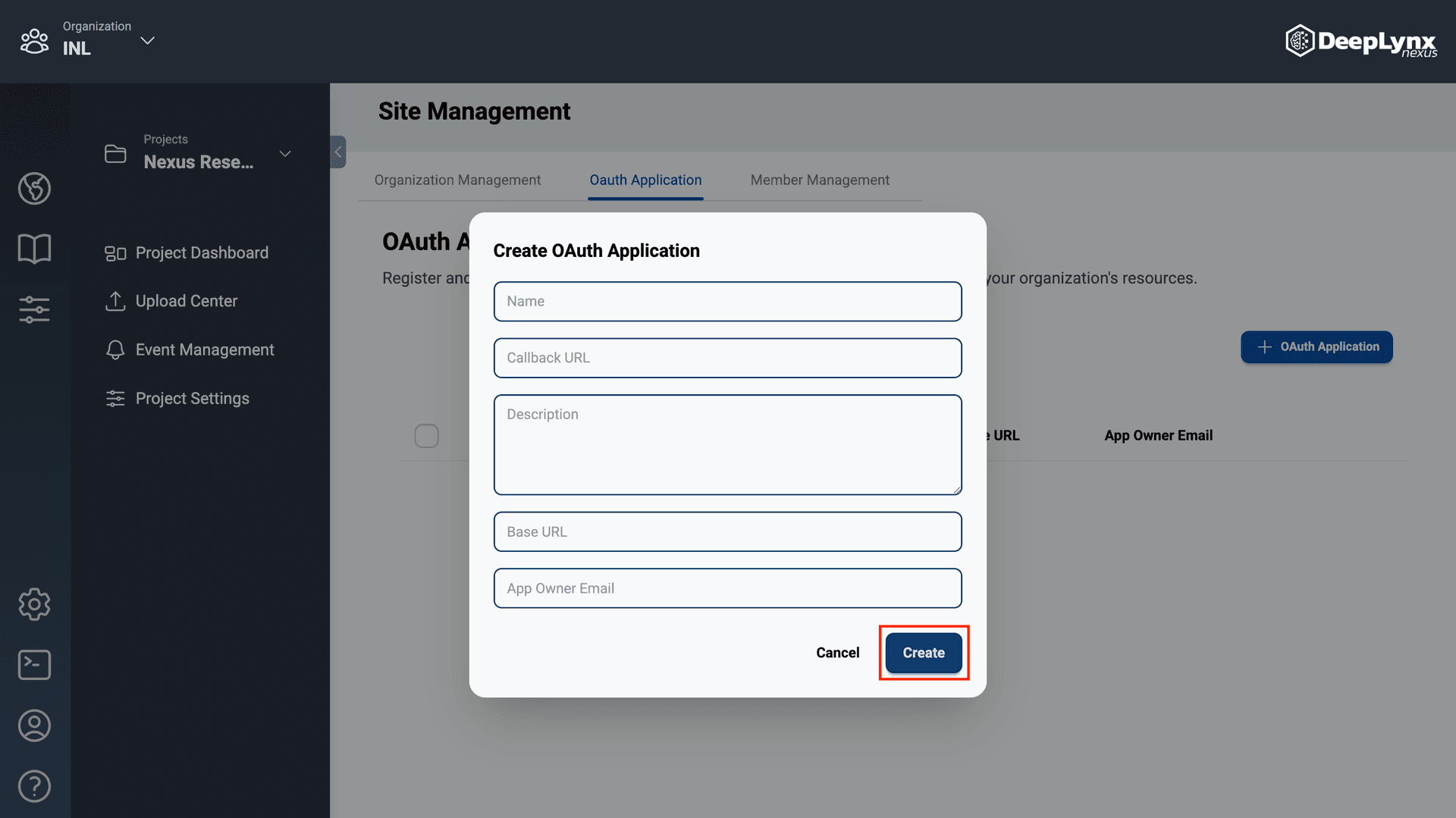
Enter the application’s required fields then click “Create”.
The connection will be added to Nexus and displayed in the OAuth Applications table.
Editing OAuth Applications
Click the pencil icon in the action column of the OAuth Application table.
Update the application’s information in the Edit OAuth Application modal and hit “Save”.
Removing OAuth Applications
Click the trashcan icon in the action column of the OAuth Application table.
This will remove the application from the Nexus.
Note: Once an application is removed, it will be permanently archived. A new OAuth Application must be created to regain access.